Field notes
From DMs to One Confirmed Appointment
Short replies and a clear handoff that turn private-message booking requests into one confirmed appointment, without promising a slot or creating duplicates.
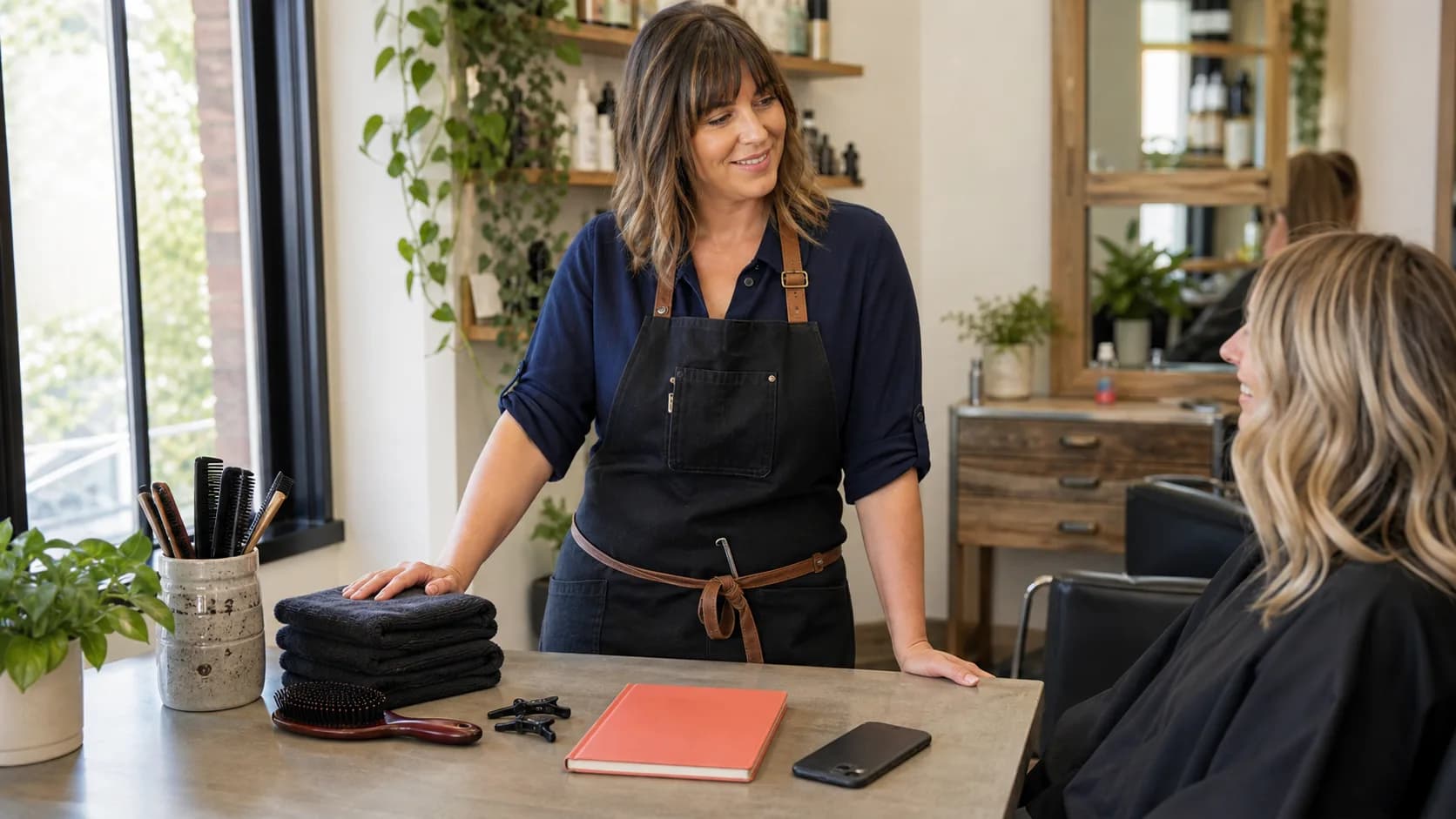
“Are you free on Thursday?” is a conversation starter, not a calendar entry. The trouble starts when you offer a time in a message, send your booking link, and then create the appointment yourself while the client is still booking it.
You do not need to stop talking to clients. You need a clear handoff: agree on the service, decide who will finish the booking, and check that one appointment was created.
Answer the question before sending the link
A bare link can feel like a dismissal. Give the client enough context to take the next step without returning to the chat with another question.
For a routine haircut, a reply could be:
> A 45-minute haircut sounds right for what you described. Open the booking link in my profile, choose Haircut, and pick a time that works for you. Finish the confirmation step to book it.
Use your actual service name and duration. Avoid listing several times from memory: the current booking page is more useful than a screenshot of yesterday's calendar.
Resolve the service choice first
If the client is unsure what to choose, answer that question before asking them to book. A short clarification now is better than putting the wrong service or duration in the calendar.
For work that needs assessment, explain the next step honestly:
> Let's agree on the right service first. Tell me what result you are looking for; then I can point you to the correct option or a consultation.
Proflowy's booking form has optional notes. Ask the client to add one useful detail you agreed on, such as the focus of a lesson. The chat does not transfer itself, and the note should not contain unnecessary sensitive information.
Choose one person to complete the booking
Use one of two paths for each request:
- The client books: send the link and let them complete the public booking flow. Do not also create a manual appointment for the same visit.
- You book for the client: agree on the service, date, time, and contact details, then create the appointment in your dashboard. Tell them they do not need to book it again.
Keep the choice explicit. “I will book this for you” and “Please finish booking through the link” are different commitments.
Do not describe an offered time as reserved
Someone else may book a time while your client is reading the chat. Proflowy checks availability again when the public booking is submitted and asks the client to choose another time if that slot has been taken.
Sending a link or opening the form does not reserve the time. A useful sentence is:
> The page shows current availability. That time is not held by this message; your appointment is booked when the confirmation appears.
Check before creating a second appointment
If the client says they submitted the form but cannot find an email, look in your appointment list first. Match the client, service, date, and time. A missing email alone does not mean the booking failed.
If the appointment exists, confirm its details in the conversation. If it does not, decide together whether they will retry or you will help. Do not ask them to retry while you create the same visit manually.
For assisted booking, look for the existing client before adding a new client record. Then save one appointment and send its confirmed details.
Keep three short replies ready
You only need a reply for a clear service request, one for an unclear service, and one for assisted booking. These can be saved in the messaging app you already use; this workflow does not require a DM integration.
Check that your booking page is clear before sharing it. Once the appointment exists, use a concise confirmation message to close the conversation. The result should be simple: one client, one agreed service, and one confirmed appointment.